Keeping your website secure is a 24/7 job. The right tools help keep watch – even when you can’t. They could be the difference between a hacked site and business as usual.
WordPress security plugins are one part of that equation. Along with quality hosting and users practicing secure habits, a plugin can thwart common attacks. They act as the last line of defense against hackers.
Adding an extra layer of protection is important, as WordPress is a preferred target due to its popularity. Legions of bots are scanning sites, looking for flaws to exploit. A vulnerability in WordPress core, a theme, or a plugin puts you at risk. Custom code that isn’t sanitized is also a major concern.
Thankfully, there is a variety of security plugins available. They cover different niches and use cases. We’ll introduce you to the eight best free options that help lock down your website.
site has been compromised.
Wordfence aims to be a complete security solution for WordPress. The plugin scans for malicious files, detects suspicious user activity, and blocks brute-force login attempts.
It also improves login security with two-factor authentication (2FA) and reCAPTCHA integration. The premium version offers a security audit log, a real-time IP blocklist, and a more robust firewall.

Jetpack has long been a do-it-all plugin suite. Jetpack Protect is a separate plugin for those who only want its security features. It scans your site daily for WordPress, plugin, and theme vulnerabilities.
You’ll also receive brute-force attack protection from botnets and other malicious actors. Upgrade to premium and receive email alerts, one-click malware fixes, and priority support.
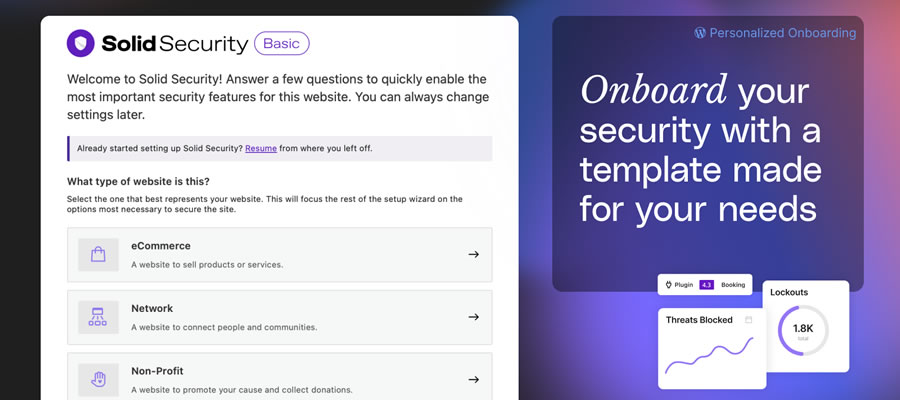
The plugin formerly known as “iThemes Security” has plenty to offer in its free version. It protects against brute-force attacks at the local and network levels. Multiple types of 2FA can be added to user accounts, while strong password requirements keep users safer.
The plugin will detect file changes and scan your site for known vulnerabilities. The pro version adds trusted device recognition (to prevent session hijacking), passwordless login, and automated vulnerability patching.
Really Simple Security helps to fill common gaps in WordPress security. First, it ensures your site takes advantage of SSL via 301 redirects from non-HTTPS URLs. It also prevents code execution in your site’s uploads folder, disables the often-hacked XML-RPC feature, and enables 2FA.
You’ll also be notified of any known vulnerabilities. The pro version adds content security policy (CSP) generation, a firewall, and more security customizations.
A single-purpose plugin, Two-Factor adds 2FA to your WordPress website. It supports various methods, including email, Time Based One-Time Passwords (TOTP), and FIDO Universal 2nd Factor (U2F).
TOTP support means you can use it with apps like Google Authenticator. Note that you’ll need to assign 2FA to users individually. This makes it more suited for sites with a small number of users.
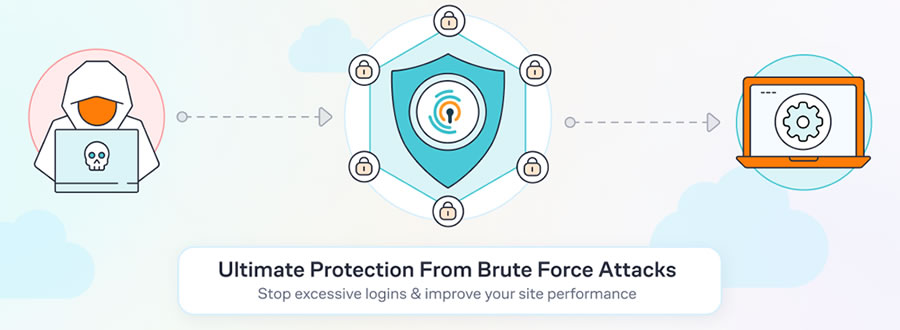
Brute force attacks are a problem for virtually every WordPress website. Even small sites can be swarmed by bots attempting to compromise your site. You can use this plugin to mitigate malicious login attempts.
It blocks offending IP addresses and covers all WordPress logins, including WooCommerce and XML-RPC. It’s also compatible with other security plugins. The pro version adds cloud-based IP blocking to the mix.
A safe website starts with securing user accounts. MelaPress Login Security helps by letting you create a custom login security policy. Options include setting a minimum password length, disabling recycled passwords, and forcing a password reset on first login.
You’ll also find brute-force login protection and the ability to limit logins to specific IP addresses. Upgrade to the pro version and gain trusted device recognition, disabling inactive users, and custom user session timeouts.
An Easy Way to Improve WordPress Security
Website security is complicated. It requires several measures to protect against attackers, many controlled by your web host. So, it’s up to us to take extra steps when possible. A WordPress security plugin is an easy way to do so.
The plugins on this list all have different strengths. Some are all-purpose, while others focus on a single aspect of security. Choose the ones that are right for your situation. But beware of combining multiple security plugins – they don’t always play nicely together.
Also, note that a plugin is only part of an overall security strategy. They can help, but won’t make up for an insecure hosting environment.
Now that you know some of the best free security plugins available, take a moment and determine how they fit into your strategy. Stay safe out there!
WordPress Security Plugin FAQs
-
What Are WordPress Security Plugins?
They are plugins designed to protect your WordPress site from security threats like hacking, malware, and unauthorized access. They add extra layers of security to your site.
-
Who Should Use WordPress Security Plugins?
Anyone with a WordPress site, from bloggers and small business owners to large organizations, should use security plugins. They’re essential for protecting your website and user data.
-
Why Are Security Plugins Important for WordPress Sites?
They safeguard your site against various cyber threats. They help prevent data breaches, protect user information, and make your website is safe and trustworthy.
-
How Do Security Plugins Improve a WordPress Site’s Safety?
They offer features like firewalls, regular security scans, protection against brute force attacks, and alerts for any suspicious activity. Some also help with secure backups. -
Can Security Plugins Affect the Performance of My WordPress Site?
While some plugins might slightly affect site speed, most well-designed security plugins are optimized to minimize any impact on your website’s performance.
-
Should I Use Multiple Security Plugins on My Site?
It’s usually not necessary to use multiple security plugins. One comprehensive, well-rated plugin is often enough to cover most security needs.
More Essential Free WordPress Plugins
Related Topics
Top